
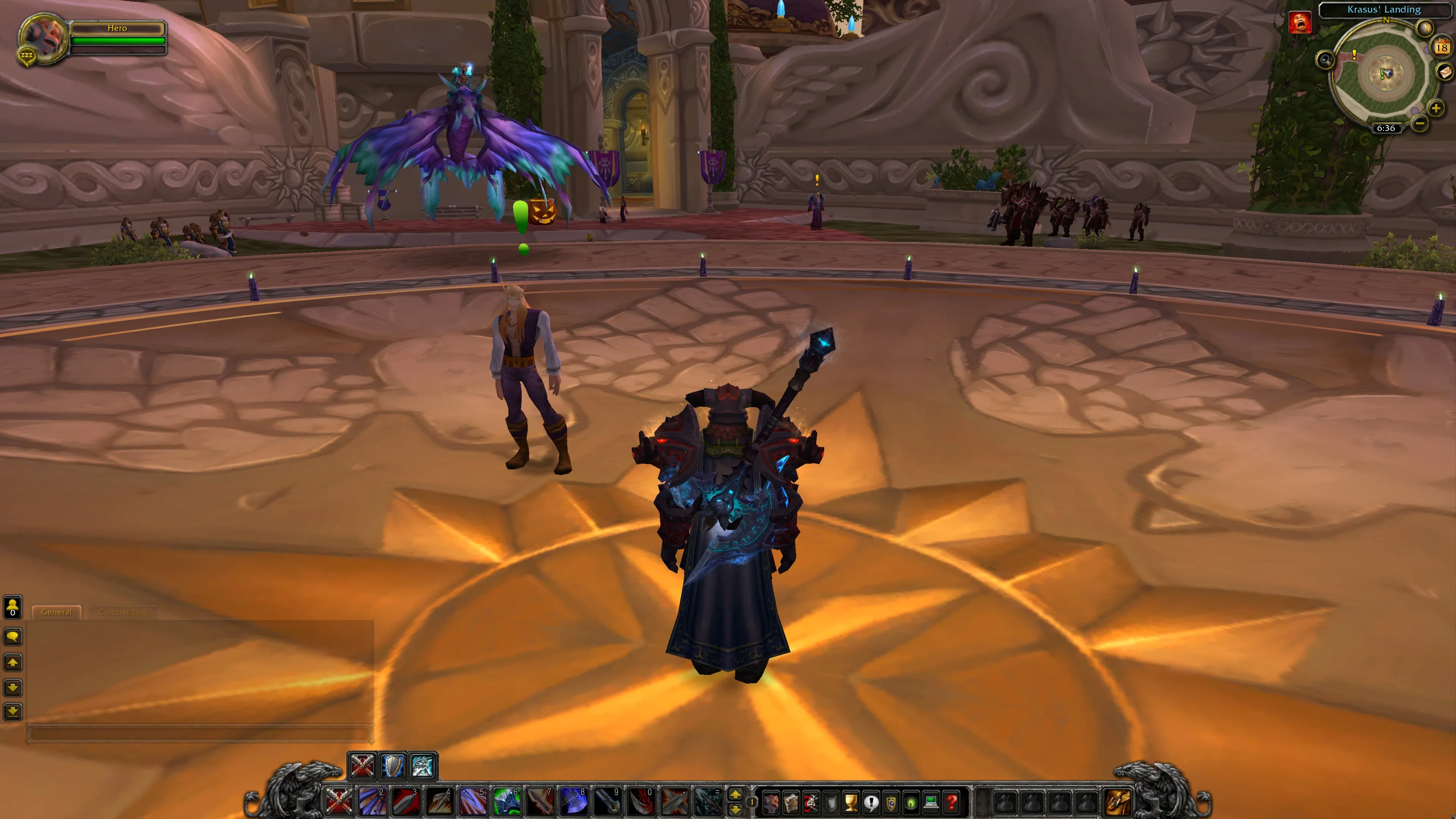
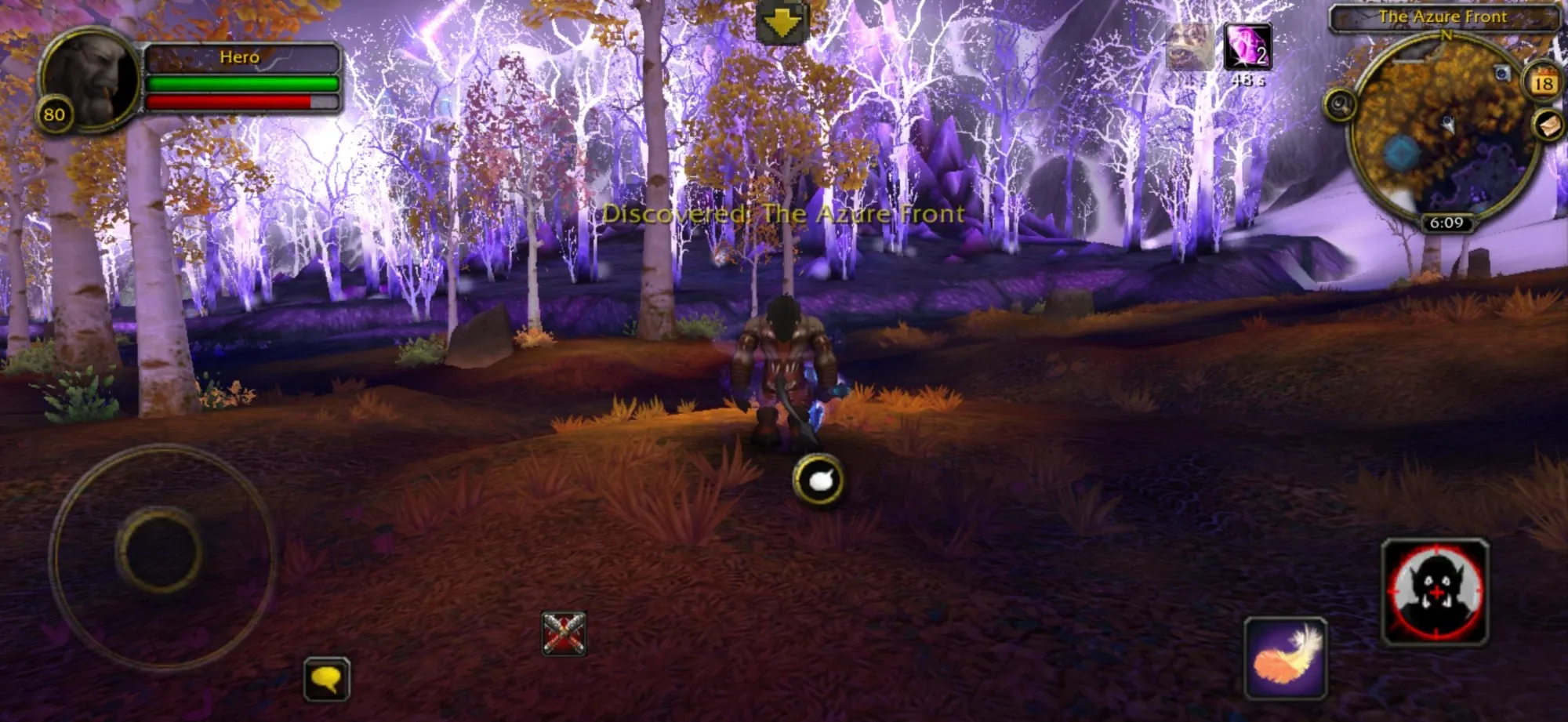
Realm Selection
| Realm Name | Type | Rates | Status |
|---|---|---|---|
| Lasthavens | PvP | 2x XP | — |
Play on whatever you have
One realm and one account, whichever device you pick up. Your characters are on the realm, so they follow you from one to the next.
Quest Log: Guides
Play WotLK on iPhone and iPad
Play World of Warcraft 3.3.5a on an iPhone or iPad in Safari, with touch controls built from the game's own buttons. No app to install, and it's free.
Objectives
- Open lasthavens.com in Safari
- Turn your phone sideways
- Tap Create Account, then Login
From the blog
Raids, classes, PvP and the rest of Wrath of the Lich King, and how the game runs in your browser.
Frequently asked questions
The short answers. The guides have the long ones.
Can I play WoW in my browser?
Yes. Lasthavens is a World of Warcraft: Wrath of the Lich King 3.3.5a realm that plays in a browser tab. It runs on your own device, not as a video stream. Open lasthavens.com/play, click Create Account and play.
Is Lasthavens free to play?
Yes, Lasthavens is free to play. You make an account on the game's login screen with Create Account, using a name and a password. An email address is optional.
Do I need to download or install anything?
No. There is no 17 GB client, no launcher and no installer. The first visit downloads about 50 MB to reach the login screen, and the rest loads as you play. Your browser caches it, so later visits start faster.
Can I play WoW on my phone or tablet?
Yes. Lasthavens plays on iPhone and iPad in Safari (iOS 17 or newer) and on Android in Chrome or the Lasthavens app. You hold the phone sideways, and the touch controls are built from the game's own buttons.
Does it work on a Mac, Chromebook or Linux?
Yes. It runs in a recent Chrome, Edge or Firefox on Windows, Mac (Intel and Apple silicon) and Linux, and in Chrome on a Chromebook. There is no Wine, Boot Camp, Proton or Linux setup to do.
Which version of World of Warcraft is it?
Wrath of the Lich King, patch 3.3.5a (client build 12340), the final patch of the expansion with every raid up to Icecrown Citadel and the Ruby Sanctum. Lasthavens is one PvP realm with twice the normal experience from kills, quests and exploring.
Is it safe to play WoW in a browser?
The game runs inside your browser like any other website, so nothing is installed on your device. Your password is never sent in readable form. Lasthavens is not run by Blizzard, so use a password you don't use anywhere else.
Do my characters carry over between devices?
Yes. Your characters live on the realm, so they are there on any computer, phone or tablet you log in from. Settings, key bindings and addons are saved by the browser you play in.

Your hearthstone is set to Lasthavens.
Free, nothing to install, and about 50 MB between you and the login screen.